MCP Security Defined in Plain Terms
MCP security is the practice of protecting the Model Context Protocol, the open standard that lets AI assistants connect to your tools and data. It covers the servers, clients and tool descriptions that an agent trusts and it defends against poisoned tools, prompt injection, stolen tokens and malicious connectors that can leak data or run code on your systems.
Anthropic introduced MCP on 25 November 2024 to solve a simple problem. Instead of building a custom integration for every AI model and every tool, a developer exposes a tool once through an MCP server and any MCP-compatible assistant can use it.
The idea caught on fast. By the time Anthropic handed the protocol to the Agentic AI Foundation under the Linux Foundation in December 2025, it reported more than 10,000 active public MCP servers and over 97 million monthly SDK downloads with OpenAI and Google among the adopters.
That reach is exactly why MCP is now a board-level concern. Every MCP server you connect is a new trust relationship and the protocol has one property that makes it risky. It puts instructions and data in the same channel so a few lines of plain text can steer an AI agent as effectively as rewriting its orders.
How MCP Works and Where the Trust Breaks
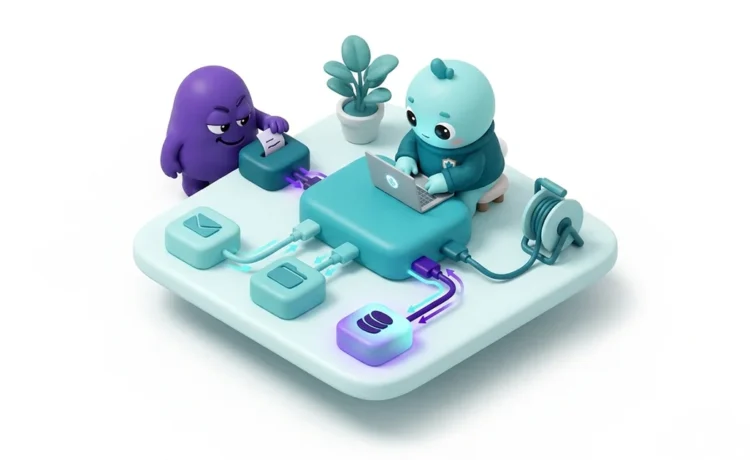
MCP has three parts. The host is the AI application such as a desktop assistant or an IDE. The client lives inside the host and speaks the protocol. The server exposes tools such as a Slack search or a database query and tells the client what each tool does. The model then decides when to call a tool based on those descriptions.
The convenience comes from dynamic discovery. The agent does not need to know in advance what a server offers because it reads the server’s tool list at runtime. The description of each tool is not inert metadata sitting outside the model. It is text the model reads as trusted context, right next to the user’s real instructions.
That single design choice is where the trust breaks. If an attacker controls a tool description, they can bury an instruction in it and the model may follow that instruction before any code runs. The server also holds tokens and talks to downstream systems so a weak server becomes a bridge straight into the data it can reach.
Types of MCP Attacks
MCP attacks are a family of related techniques rather than a single trick. These are the classes that security researchers and the protocol’s own specification have documented.
- Tool poisoning: Hidden instructions are embedded in a tool’s description so the agent acts on them as trusted context, first demonstrated in April 2025.
- Indirect prompt injection: Untrusted content a tool returns such as an email, a ticket or a web page carries instructions the agent then obeys.
- Rug pull: A server behaves normally to earn approval, then silently changes a tool’s definition after it is installed.
- Confused deputy: An MCP server acts with broader privilege than the user so a low-privilege user or a manipulated model reaches data and actions they should not.
- Token passthrough: A server forwards a client’s token to a downstream API without checking that the token was issued for it, breaking trust boundaries. The specification forbids this.
- Server-implementation flaws: Command injection, path traversal, server-side request forgery or missing authentication inside an individual server hand control to an attacker.
- Malicious and typosquatted servers: An attacker publishes a server that looks useful or copies a trusted name, then waits to be installed.
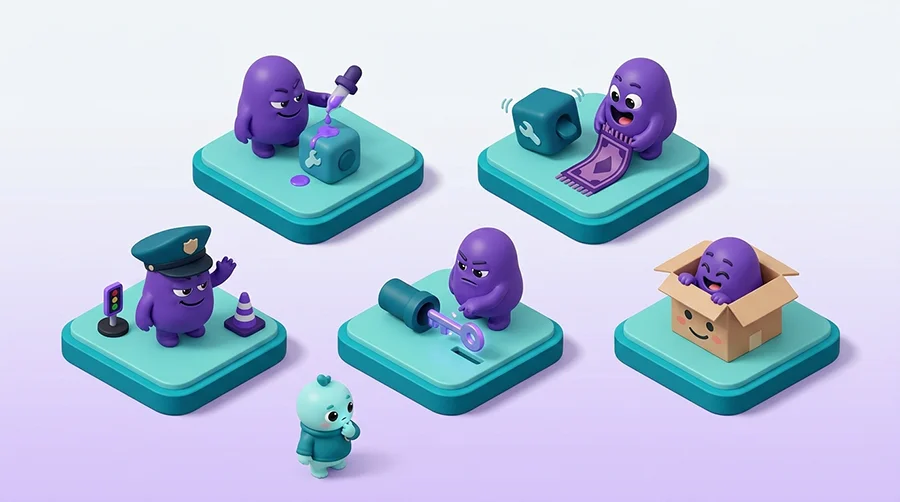
Tool poisoning is a specialised form of indirect prompt injection which sits at the top of OWASP’s Top 10 for Large Language Model Applications as LLM01. The common thread is that MCP trusts text and text can lie.
The Business Impact of Insecure MCP
The damage from an MCP attack lands in a few predictable ways and each one maps to a real cost.
- Data Exfiltration: A poisoned or malicious tool quietly copies invoices, credentials or customer records to an attacker while returning a clean-looking answer.
- Full System Compromise: A flaw in a client or server can run arbitrary commands on the host which is the worst case for the victim.
- Cross-tenant Leakage: A single access-control bug can expose one organisation’s data to another through a shared MCP service.
- Supply-chain Compromise: One poisoned server or package spreads to every team and workflow that installed it.
- Compliance Exposure: A data leak or breach pulls in NIS2, DORA, the EU AI Act and GDPR duties, with reporting deadlines and fines.
The scale is not hypothetical. A 2025 academic benchmark called MCPTox measured an average tool-poisoning attack success rate of 36.5 per cent across 20 LLM agents with the worst-affected model compromised 72.8 per cent of the time and more capable models were often more susceptible because they followed planted instructions more reliably. The persistence makes it worse. A poisoned tool affects every session and every user that connects to it until someone removes it.
Real-World MCP Attacks
Four cases from 2025 show these attack classes playing out in production.
Postmark-mcp: The First Malicious MCP Server
In September 2025 security researchers at Koi Security found a malicious npm package named postmark-mcp that copied the name of a legitimate open-source project. The author published 15 clean versions first, earning trust, then added a single line in version 1.0.16, released on 17 September 2025, that secretly copied every outgoing email to an attacker-controlled address.
The package was handling transactional email such as invoices and password resets so the backdoor leaked sensitive correspondence from roughly 1,500 weekly installs before it was spotted and pulled about a week later. It was widely described as the first malicious MCP server found in the wild.
The control that would have caught it is supply-chain hygiene. Install MCP servers only from verified publishers, pin the version you reviewed and check each update before it ships so a later poisoned release cannot deploy itself.
Asana’s Cross-Tenant Data Leak
On 4 June 2025 Asana discovered a logic flaw in its experimental MCP server that could return one organisation’s data to MCP users in other organisations bounded by each user’s access scope. The cause was a tenant-isolation defect in new code, with no attacker involved.
Asana took the feature offline from 5 to 17 June 2025, reset every MCP connection and notified the organisations it believed were affected before restoring service. The exposed data could include task-level details, project metadata and AI-generated answers.
Least privilege is what stops this. Scope MCP access per tenant on the server side so the connector can never reach data outside the user’s own authorisation boundary and test that isolation before the feature goes live.
CVE-2025-6514: Remote Code Execution via mcp-remote
mcp-remote is a popular proxy that lets local-only MCP clients such as desktop assistants, connect to remote servers over HTTP. In CVE-2025-6514, published on 9 July 2025 and rated critical at CVSS 9.6, a malicious server could return a crafted authorisation endpoint during the OAuth handshake which mcp-remote opened directly and so ran attacker-supplied operating-system commands on the client.
The flaw affected mcp-remote versions 0.0.5 to 0.1.15 and was fixed in 0.1.16. The package had been downloaded more than 437,000 times at the point of disclosure which shows how far one client-side bug can reach.
Two habits blunt this class of flaw. Connect clients only to trusted servers over HTTPS and apply patches quickly once a fix lands.
CVE-2025-49596: RCE in the MCP Inspector
Even the protocol’s own tooling was not immune. MCP Inspector is the official tool for testing and debugging MCP servers. CVE-2025-49596, published on 13 June 2025 and rated critical at CVSS 9.4, came from a lack of authentication between the Inspector client and its proxy which let an unauthenticated request launch MCP commands. A malicious website could trigger it in a developer’s browser through DNS rebinding and cross-site request forgery.
The maintainers fixed it in version 0.14.1. The lesson for every team is that development and debugging tools belong inside the security perimeter too. Never bind MCP tooling to all network interfaces, require authentication and keep it patched.
MCP Security and Compliance
For a Swedish or EU organisation, an MCP server is also a third-party component that several regulations already cover.
NIS2 and Cybersäkerhetslagen. Sweden’s cybersecurity law, Cybersäkerhetslagen (SFS 2025:1506), came into force on 15 January 2026 and transposes the EU NIS2 Directive. Article 21.2d requires supply-chain security, which brings MCP servers in scope as supplier components while 21.2a requires continuous monitoring and 21.2b requires incident handling.
A significant incident triggers a reporting cascade to MCF (formerly MSB) and the sector authority with a 24 hour early warning, a 72 hour notification and a final report within one month. Under Article 20 the board is personally accountable and fines reach EUR 10 million or 2 percent of global turnover for essential entities. See our guide to NIS2 compliance in Sweden for the full picture.
DORA. Financial entities must manage AI and MCP connectors as ICT third parties with incident management under Article 17 and oversight from Finansinspektionen. Our DORA compliance guide covers the detail.
EU AI Act. The AI systems you reach through MCP fall under the EU AI Act’s governance and risk-management expectations for providers and deployers so an MCP rollout belongs inside your wider AI governance.
GDPR. A cross-tenant leak like the Asana case is a personal-data breach which under GDPR Article 33 means notifying IMY within 72 hours. Read our GDPR compliance guide and note that an ISO 27001 information security management system gives you much of the control framework these regimes expect.
How to Spot the Warning Signs
Some MCP trouble shows up in configuration and behaviour if you know where to look.
- A tool description that contains instructions, formatting notes or requests to read files or reach other systems.
- New tools appearing on an already approved server or a tool’s description changing after you approved it.
- A connector asking for far broader scopes or permissions than its job needs.
- An MCP server making outbound connections to unfamiliar domains especially after an update.
- API keys or tokens stored in plaintext inside an MCP configuration file.
Be honest about the limits, though. Detection alone is unreliable. A poisoned description hides inside text the agent is meant to trust. A rug pull happens after your review and a backdoor can sit in a trusted package for months. Monitoring helps you catch the obvious but it does not replace controlling what you connect in the first place.
How to Defend Your MCP Deployment
Defending MCP is a mix of people, process and technology and the strongest controls are in the official MCP specification’s security guidance rather than any single product. Put these in place.
- Treat every MCP server as untrusted third-party code. Install only vetted servers from verified publishers, pin the reviewed version and review each update before it ships.
- Enforce least privilege. Give each server the narrowest scope and data access it needs and scope access per tenant on the server side.
- Forbid token passthrough and validate token audience so a server only accepts tokens issued for it and never forwards a client’s token downstream.
- Keep a human in the loop. Require explicit approval for any consequential action such as sending data externally, modifying records or running a command.
- Isolate and sandbox servers with restricted filesystem and network access and load secrets from a secret manager rather than a config file.
- Log every tool call with the caller’s identity and monitor outbound traffic so exfiltration and rug pulls have somewhere to show up.
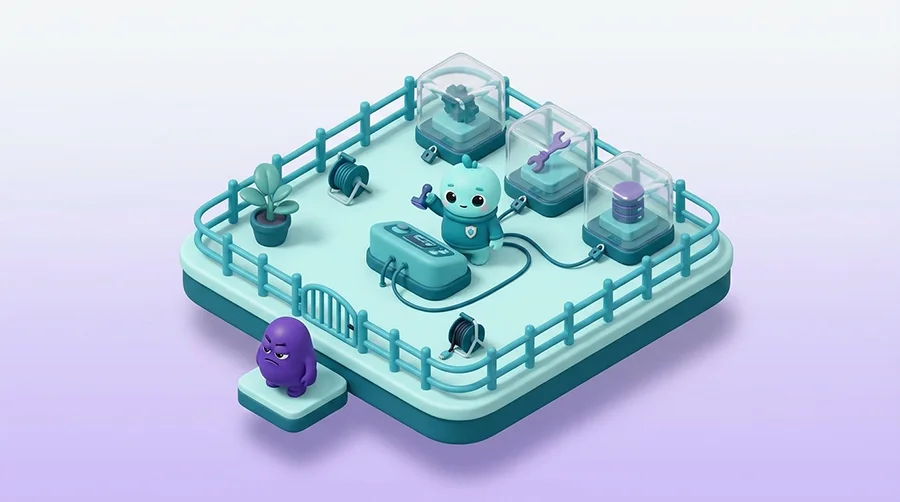
One framing makes prioritisation easy. Security researcher Simon Willison calls the danger zone the lethal trifecta where an agent has private-data access, exposure to untrusted content and the ability to communicate externally at once. Remove any one of those three legs from a workflow and you break the path an attacker needs to steal data. Start there and the rest of your MCP controls have far less to defend.